Connect Idealpos to the cloud!
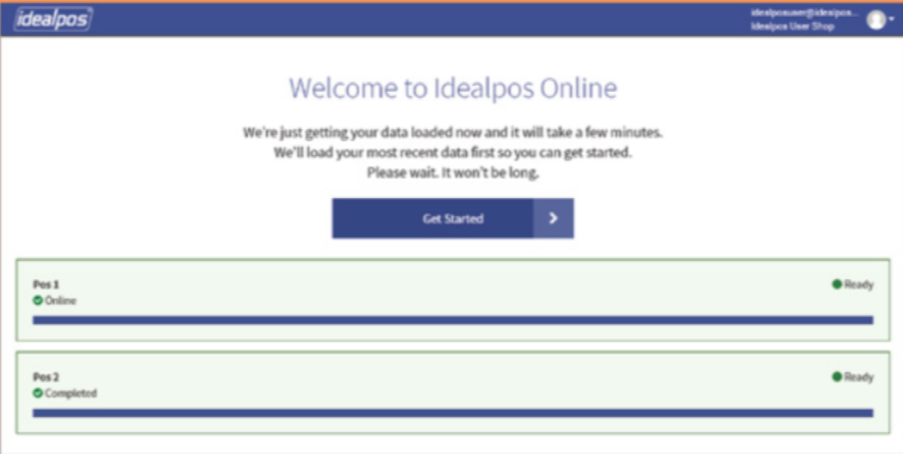
Idealpos Online is a cloud based reporting solution for businesses using Idealpos - Point of Sale Software. Built for any size business, simply connect one or multiple POS Terminals to Idealpos Online and as soon as the initial synchronisation is complete, you will be able to access all the historical information saved in your POS databases directly from Idealpos Online's website.
Select which KPI's are important to you
Build your own Dashboard and
choose the Charts you want to see
on a Smartphone, Tablet or PC
View your Stores from one Centralised Platform
Sales information is retrieved in real-time and ready to access whenever you need it
Built for Idealpos Point of Sale
A Cloud based reporting solution built by Idealpos for our market leading Idealpos - Point of Sale Software!
Create, View and Export your favourite Reports
Query, filter and search your favourite reports to quickly find the information you need
Secure and Scalable SQL Database
Built on the Microsoft Azure cloud platform utilising their global network of Microsoft managed servers
Audit your POS transactions
Dynamically search through every transaction recorded at the POS using the Journal Enquiry
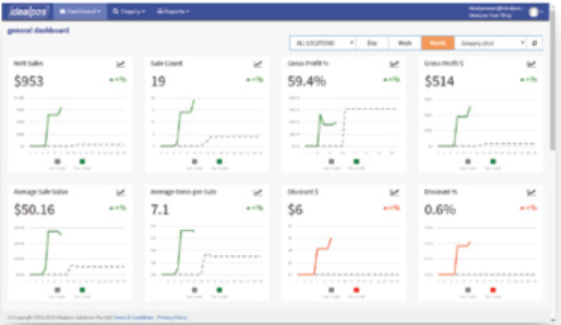
Dashboard
Welcome to the Dashboard, the home of KPI's!
The Dashboard is updated every minute with your Store's Data so you know at any time how they're performing. Create multiple Dashboards so each user can see the information useful to them.
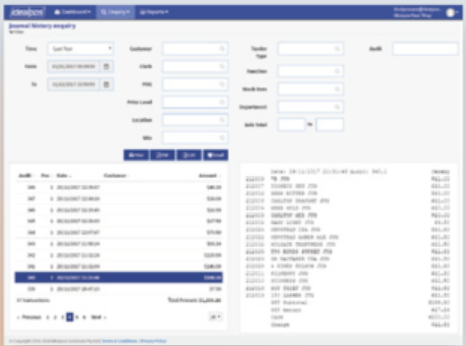
Journal History Enquiry
Search through individual POS transactions using the Journal History Enquiry feature. Filter various transaction types to reach your desired search results and save, print, email, export or PDF the filtered results.
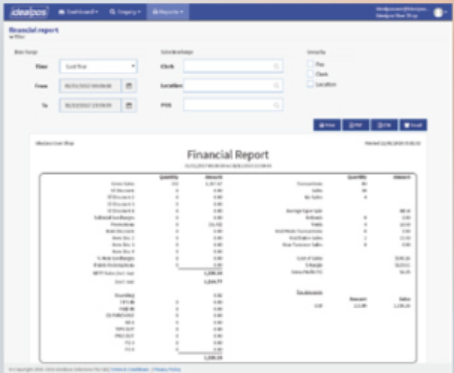
Reports
The Reports load quickly and dynamically update as you change your search criteria. All reports can be printed, saved to PDF, exported to CSV and emailed.
Start your free trial
A detailed guide to the setup instructions can be found in the Idealpos Online User Guide. To get your system up and running with Idealpos Online, follow these steps.
Step 1
Open Idealpos and retrieve your Username and Access Code.
Step 2
Go to Idealpos Online and click on Sign Up.
Step 3
Follow the step through the Register process.
Step 4
Check your email and confirm your registration.
Step 5
Click on Sign In and login to your account.
Step 6
Create your Subscription to start the synchronisation process.
Step 7
When the initial synchronisation is complete, you can start using Idealpos Online!