Oolio Idealpos

What's new in Idealpos v8?

Dashboard Themes

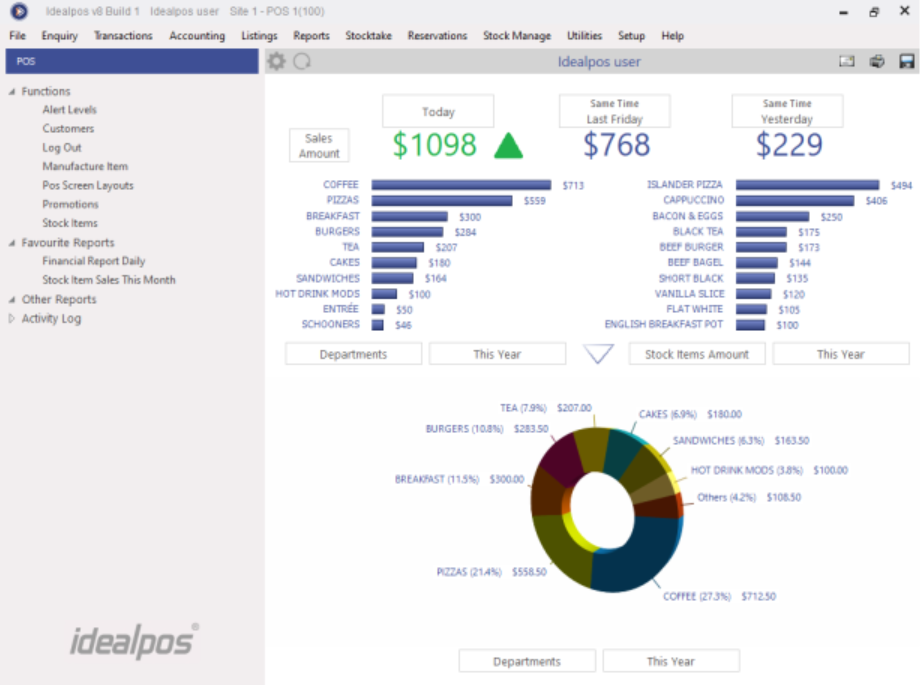
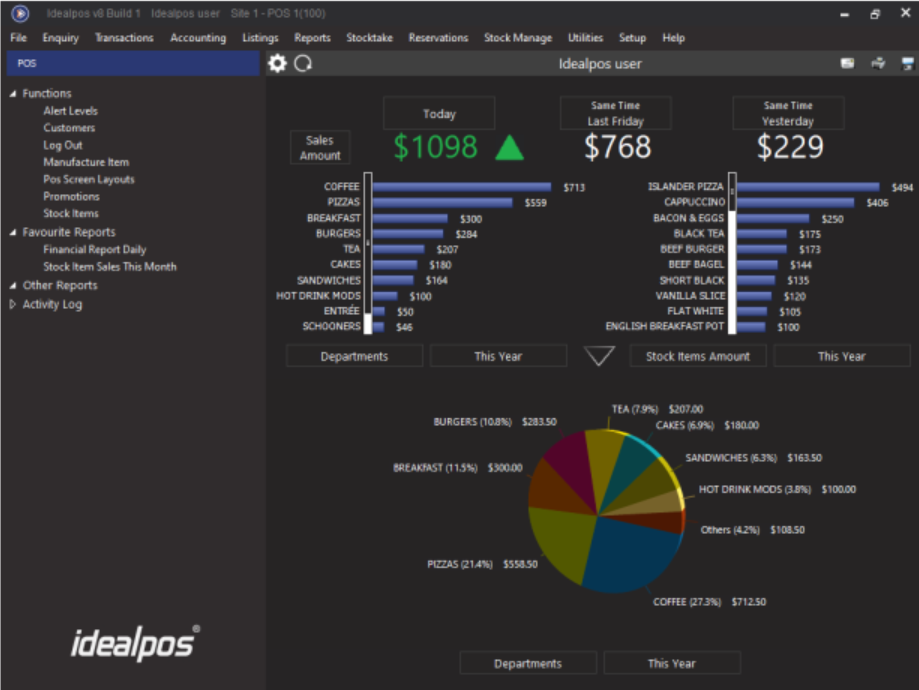
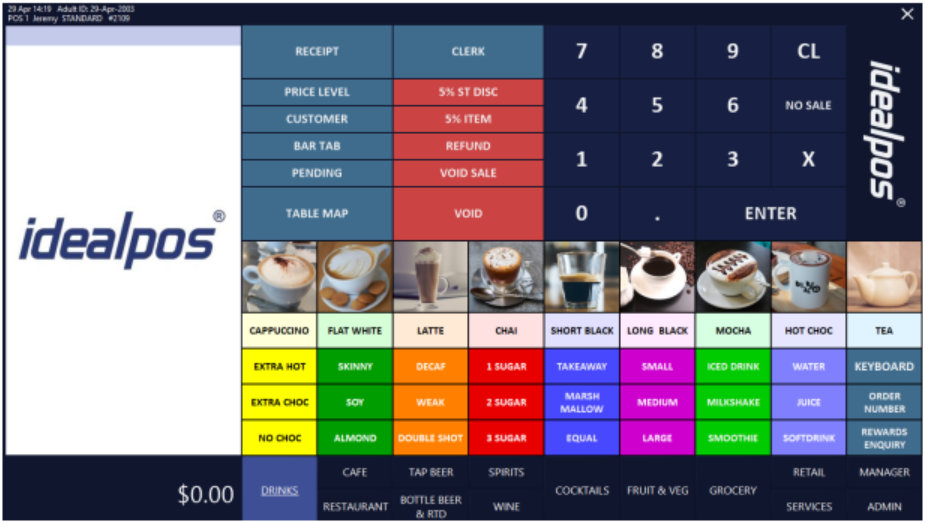
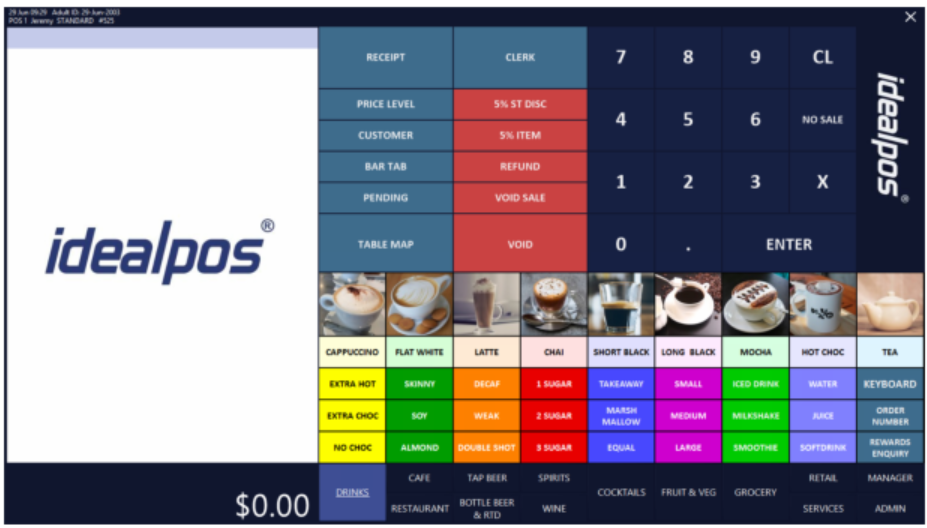
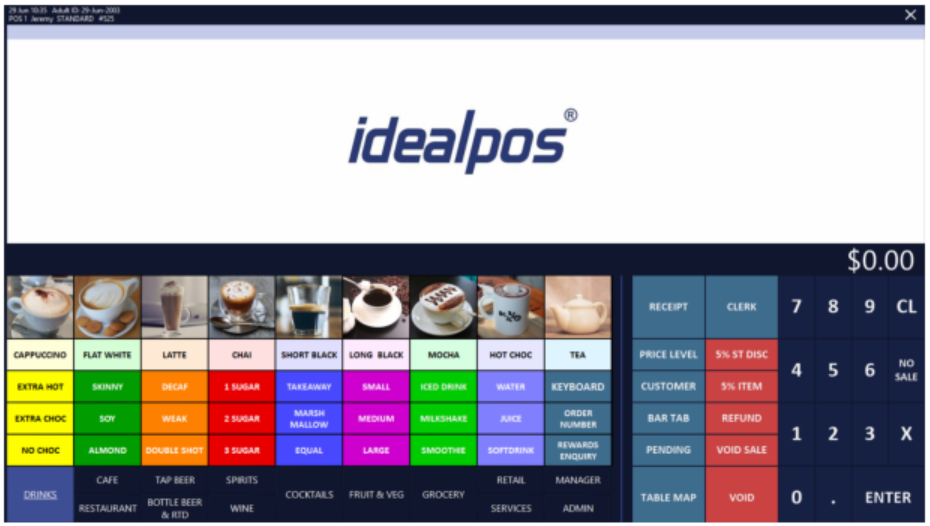
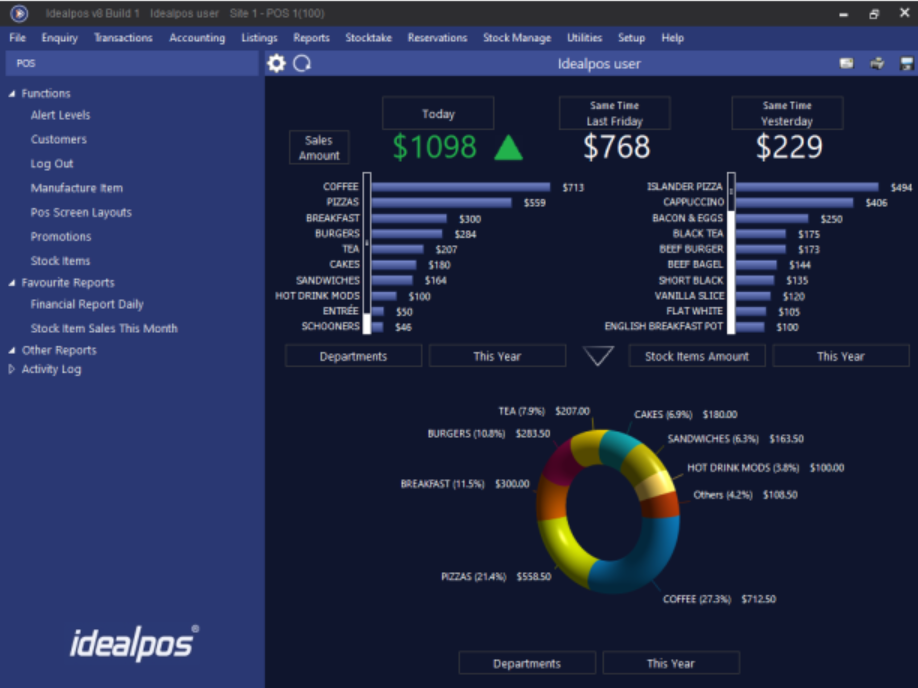
Choose either a Blue, Light or Dark theme.

Idealpos v8 dashboard in the Blue theme
Idealpos v8 dashboard in the Light theme
Idealpos v8 dashboard in the Dark theme

New Back Office UI Design

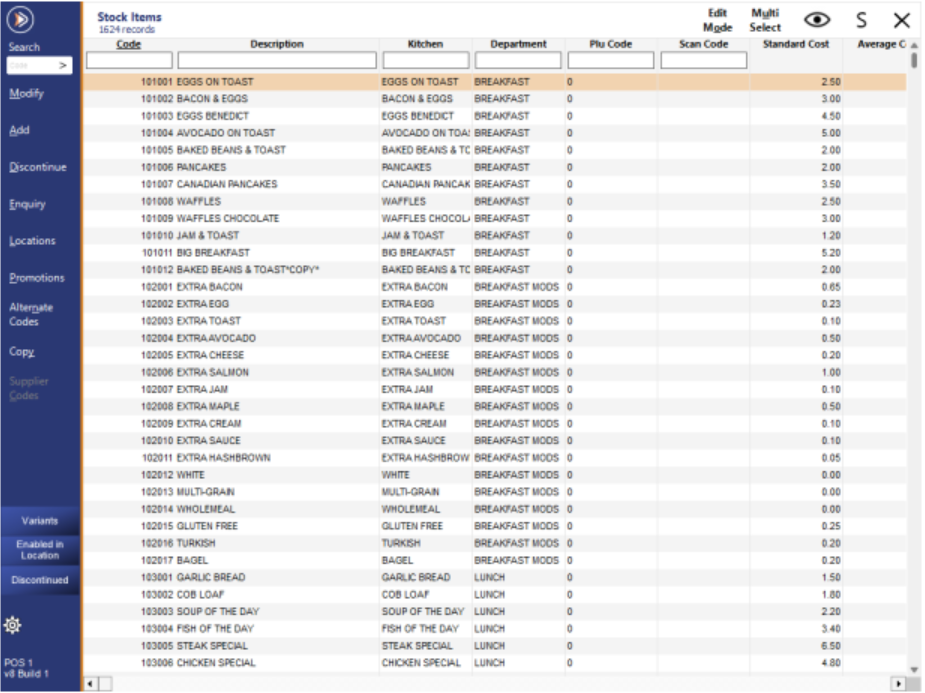
The User Interface has been completely redesigned, giving Idealpos a fresh, modern appearance!

Idealpos v8 back office showing the redesigned Stock Items screen

Dynamic POS Menus by Attributes

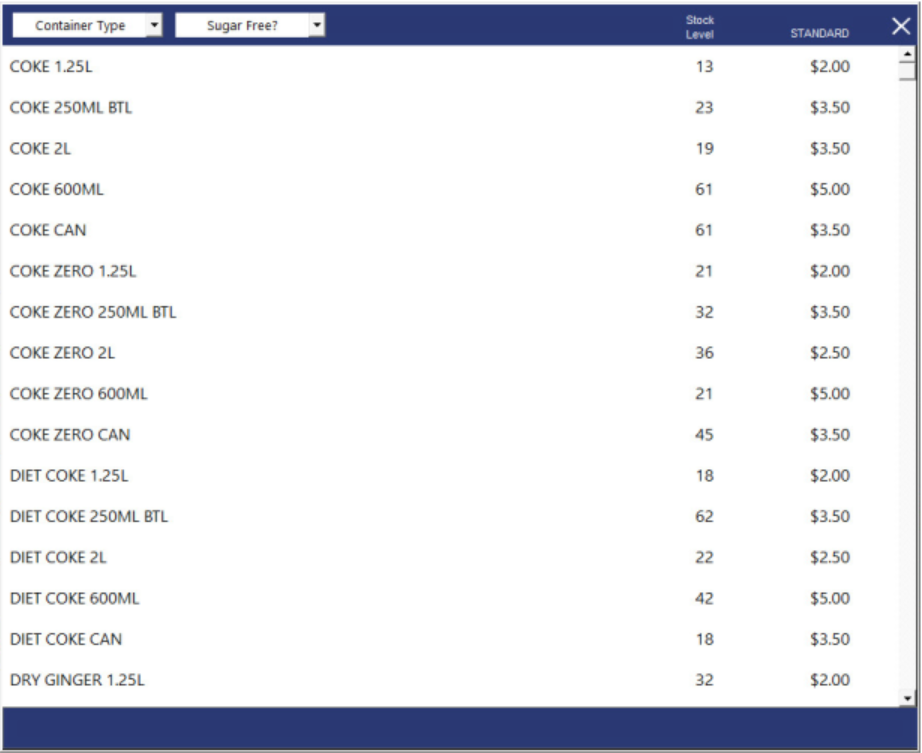
POS Menus can be built dynamically based on Attribute Types. When a POS Screen Menu button that is linked to Attribute Types is pressed, it will display all the Stock Items linked to those Attribute Types. The POS Screen Menu can also be filtered by the Attribute Types using the drop-down boxes on the top-left corner of the POS Menu.

Idealpos v8 POS menu of soft drinks filtered by container type and sugar free

New POS Screen Resolutions

We have added support for more POS Screen Resolutions. 1366 x 768, 1920 x 1080 and 1920 x 1080 Retail.

1366 x 768 POS Screen Resolution:

Idealpos v8 POS screen at 1366 x 768 resolution

1920 x 1080 POS Screen Resolution:

Idealpos v8 POS screen at 1920 x 1080 resolution

1920 x 1080 Retail POS Screen Resolution:

Idealpos v8 Retail POS screen at 1920 x 1080 resolution